
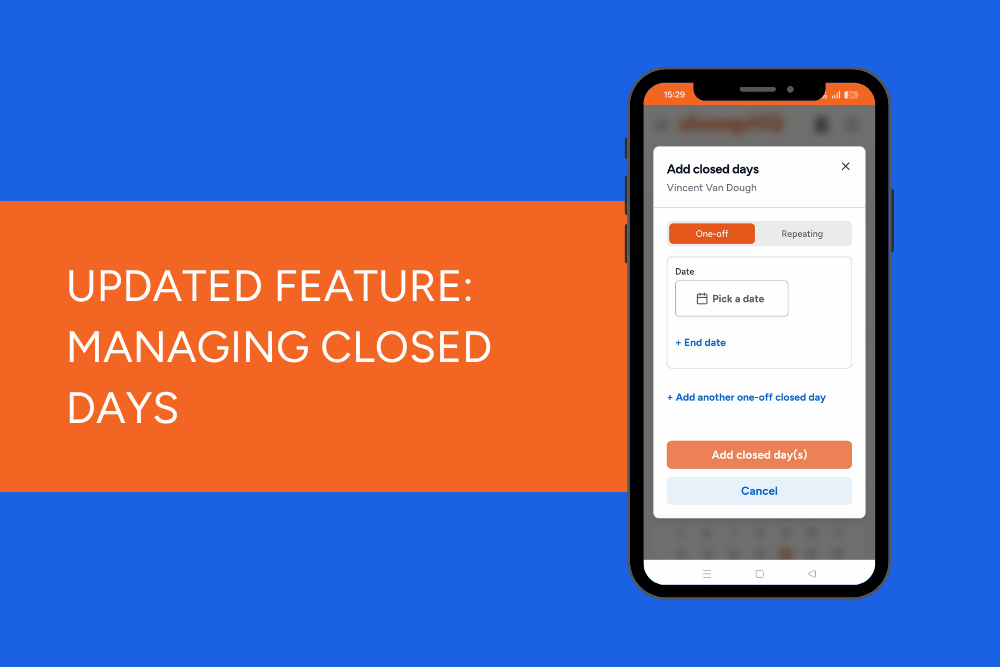
Closed every Monday? Shutting up shop for a few weeks of renovations? We've made managing your venue's Closed Days in ChompHQ a whole lot easier.
You can now set up repeating Closed Days or add multiple consecutive Closed Days at once, saving you from having to enter every single date individually.
Set it and forget it with repeating closed days
If your venue closes on the same day(s) each week, there's no need to keep adding that date to your calendar.
You can now set up repeating Closed Days for regular closures, such as every Monday or Tuesday.
Perfect for venues with set trading days, helping you keep your Closed Days up to date without the extra admin.
Taking a longer break?
Sometimes a venue needs to close for more than just a day or two.
Whether you're taking a well-earned holiday, closing over the Christmas break or shutting up shop for a month of renovations, you can now add a range of Closed Days in one go.
Simply select the dates your venue will be closed, rather than adding each day separately.
Less clicking, more time for everything else on your to-do list!
How to add closed days in ChompHQ
To get started:
- Log in to ChompHQ.
- Head to your venue's Closed Days settings under the Operations page.
- Add a new Closed Day and choose the relevant dates or repeating schedule.
- Save your changes.
You can also review your existing Closed Days and update them as needed.
Head to ChompHQ and manage your Closed Days →
