
Completing Historic 4-Weekly Reviews Before Access Is Removed
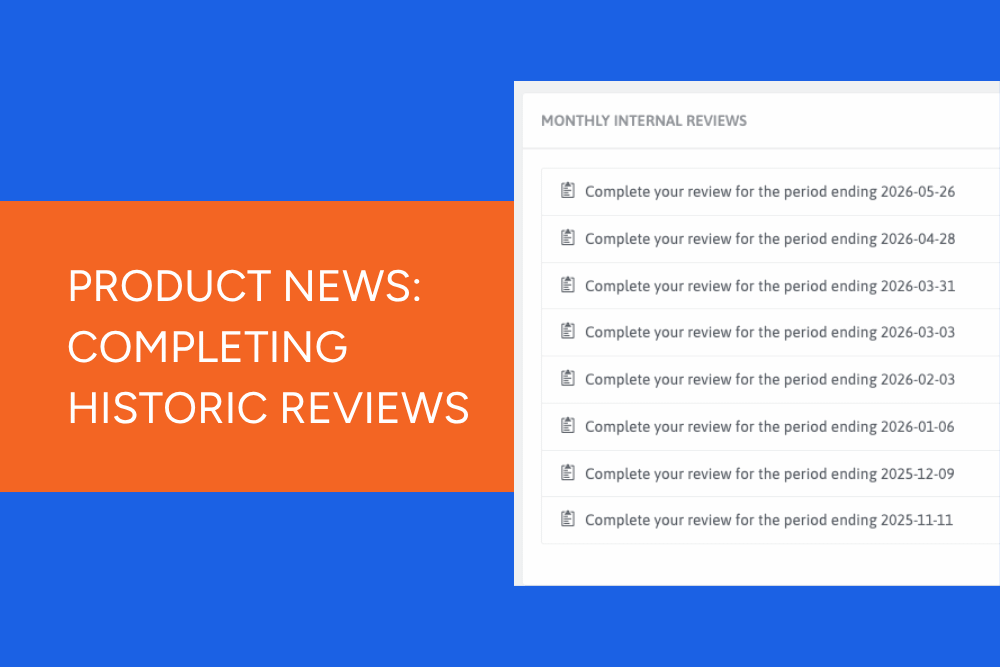
As part of our move to the new Monthly Review process in ChompHQ, we've had a few questions from customers about older 4-weekly reviews that may still appear as incomplete on audit reports.
While the old Management Dashboard has now been retired for everyday use, customers who had 4-weekly reviews active before 1 June can still access those historic reviews for a limited time. This allows you to complete any outstanding reviews and tidy up your records before this temporary access is removed.
Who does this apply to?
This only applies to customers who had 4-weekly reviews live on their Chomp Management Dashboard before 1 June 2026.
If you did not have 4-weekly reviews enabled before this date, there's nothing you need to do.
Why are older reviews still showing as incomplete?
Before the introduction of our new Monthly Review process, some customers were completing 4-weekly reviews through the old Management Dashboard.
If any of these historic reviews were missed, they will still appear as incomplete or expired on your audit page in ChompHQ and in your audit report.
To help customers clean up these historical records, we've temporarily kept access available for completing these outstanding reviews.
How to complete historic 4-weekly reviews
If you have any outstanding 4-weekly reviews from before 1 June:
- Log in to the old Management Dashboard
- Navigate to Incomplete Reviews
- Open any incomplete 4-weekly reviews
- Complete and save the review
Once completed, these reviews will no longer show as incomplete in ChompHQ or on your audit report.
How long will this be available?
The old Management Dashboard has now been retired, with customers using ChompHQ for day-to-day management and compliance activities.
However, for a limited time, we've left access available for two purposes:
- Viewing audit reports
- Completing outstanding 4-weekly reviews that were active before 1 June
This temporary access will be removed in the coming months, so we recommend completing any outstanding historic reviews as soon as possible.
What about new reviews?
From June 2026, all customers now use our new Monthly Review process.
Monthly Reviews are completed through ChompHQ and the Kitchen App and replace the previous 4-weekly review process.
Unlike historic reviews, Monthly Reviews:
- Can be found in ChompHQ and completed in the Kitchen App
- Reset each calendar month
- Must be completed before the end of the month
- Expire at month-end if not completed
- Will appear as incomplete on audit reports if missed
Need help completing your monthly review?
If you're looking for guidance on the new process, we've created a step-by-step guide covering:
- What's included in the Monthly Review
- How to access it
- How to complete it in the Kitchen App
- What happens if it expires
👉 Read our guide: How to Complete Your Monthly Reviews
Our recommendation
If you had 4-weekly reviews active before 1 June, now is a good time to check for any outstanding reviews and complete them while historic review access remains available.
Tidying up these historical records now will help ensure your audit reports remain accurate and give you a clean transition into the new Monthly Review process.
Explore more tutorials
- Tutorial - Chomp App (21)
- Tutorials: Management Dashboard (19)
- Chomp App (13)
- Chef v4 (5)
- Cooling Foods (3)
- Log In (3)
- food audit (3)
- proving method (3)
- Android (2)
- Apple (2)
- Food Safety App (2)
- QR Code (2)
- Updates (2)
- Audit Report (1)
- Brand Reputation (1)
- Food Safety Management (1)
- Influencer (1)
- Meat or Poultry (1)
- Product Update (1)
- Referral (1)
- Thermometers (1)
- received goods (1)
- suppliers (1)