
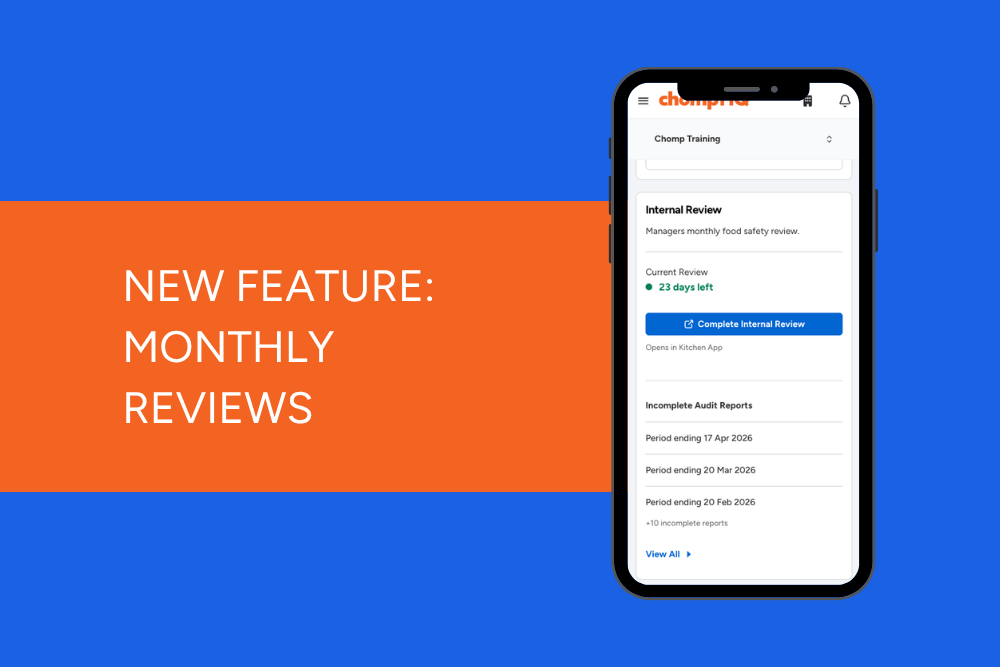
In June, we introduced a new and improved way to review your food safety each month.
Designed to help managers stay on top of food safety and compliance, the Monthly Review brings key updates, issues, and checks into one easy-to-review task.
ChompHQ managers can now complete a Monthly Review directly within the Kitchen app.
What’s included in the Monthly Review?
The Monthly Review allows managers to review and comment on:
- any previous month issues
- untrained staff
- task changes
- supplier updates
This helps ensure food safety processes are being followed and records are kept up to date.
New Zealand customers
In February 2026, the Ministry for Primary Industries (MPI) updated the Simply Safe & Suitable record blanks to include a new internal verification form.
This form is designed to help kitchen managers regularly verify that food safety and suitability are being properly managed within the business.
Chomp's Monthly Review has been designed to support this process digitally, making monthly verification easier and more streamlined.
Australian customers
The Monthly Review has been designed to help managers regularly check that food safety processes are being followed and records are up to date.
By bringing important updates and checks into one place, it makes it easier to stay on top of compliance and identify any areas that may need attention.
How the Monthly Review works
The Monthly Review task has been automatically added to your plan.
The task resets monthly and must be completed within 21 days. If it isn’t completed in time, it will expire and be marked as incomplete on your audit report.
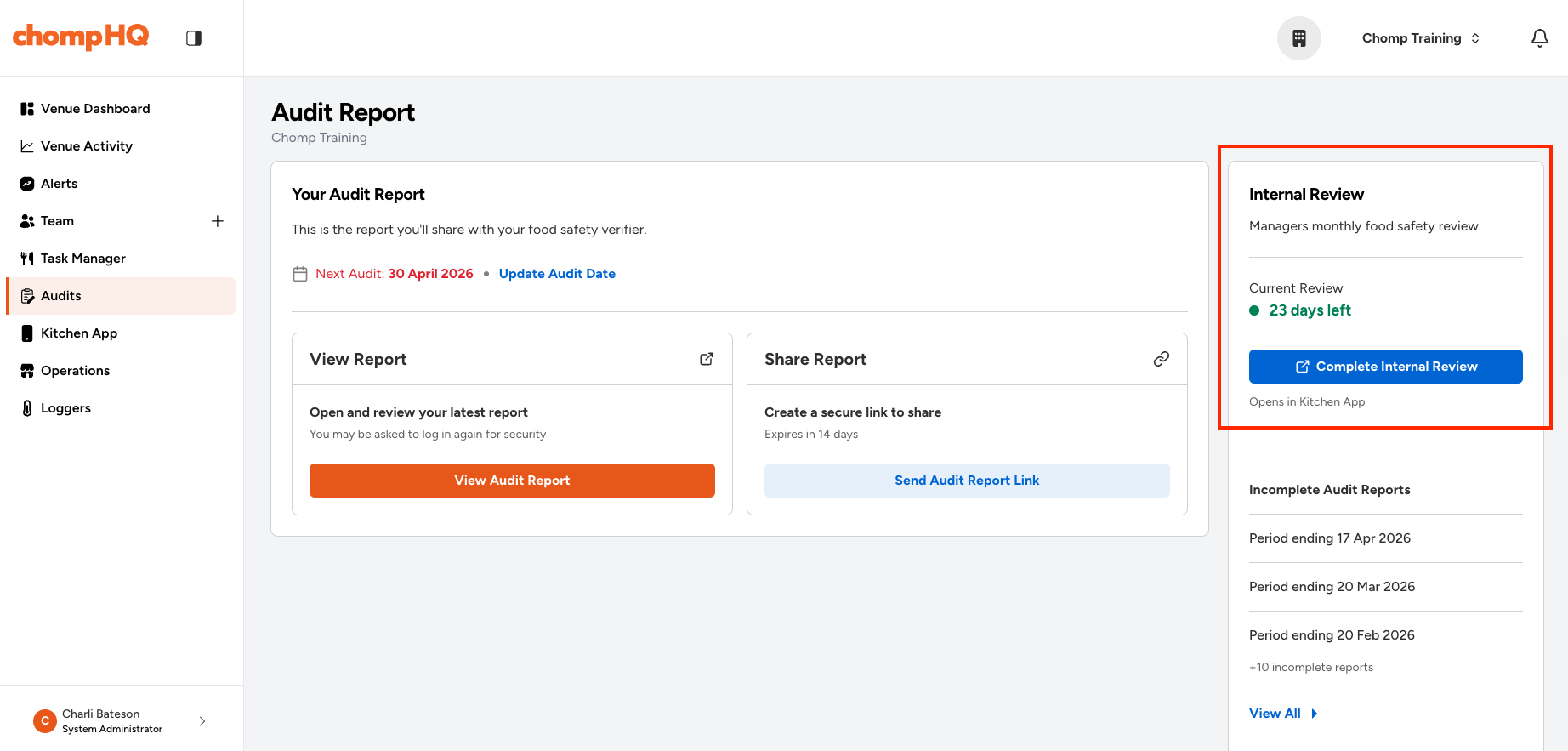
In ChompHQ, you’ll see a countdown under the Internal Review section on the Audit page showing how many days remain to complete the review.
How to access the Monthly Review
Access via ChompHQ
- Log in to ChompHQ and navigate to the Audit page
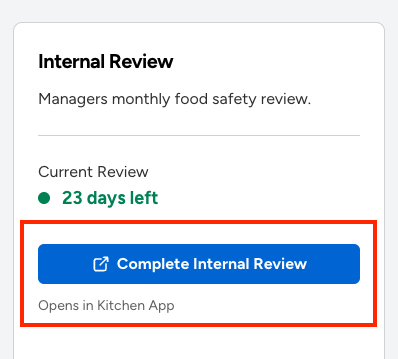
- Under the Internal Review section, click Complete Internal Review
- This will open the Monthly Review task in the Kitchen app
- If you’re not already logged into the Kitchen app, you’ll be prompted to log in before completing the review.
Access via the Kitchen App
- Log in to the Kitchen App using your personal manager login
- Select the Reviews button (the button will be green to begin with, but will turn orange when you have 7 days left to complete)
- Complete the review by working through each tab and answering the questions
- Click Done to submit the review, or Save if you’d like to return and complete it later.
Good to know:
Only customers with a manager role login can complete the Monthly Review; all other team members will not see the task in the app.