
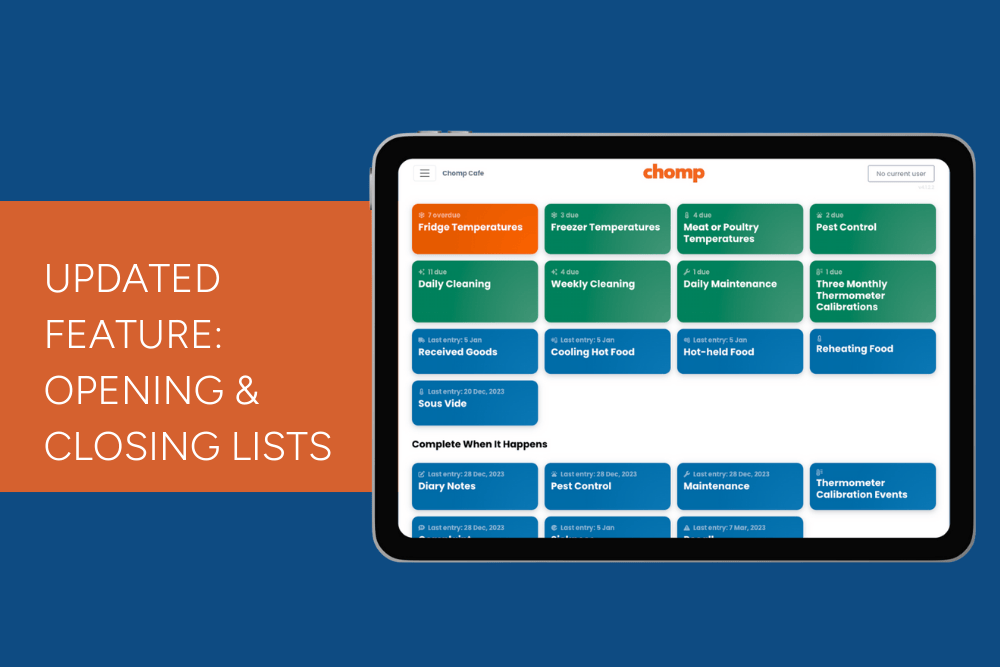
We’ve updated the opening and closing list feature so you can now have separate task buttons in your kitchen app, one for opening tasks and another for closing tasks.
How to split your opening & closing list:
-
-
Go to ChompHQ management dashboard.
-
In the left-hand menu, click Task Manager.
-
Click on Facility to view tasks for your premises.
- If you see an Opening and Closing List task, you can:
-
Copy the tasks from your existing Opening and Closing List and create new task for Opening List and another for Closing List tasks.
-
Once you’ve copied, pasted, and saved your tasks, archive the original Opening and Closing List.
-
-
