
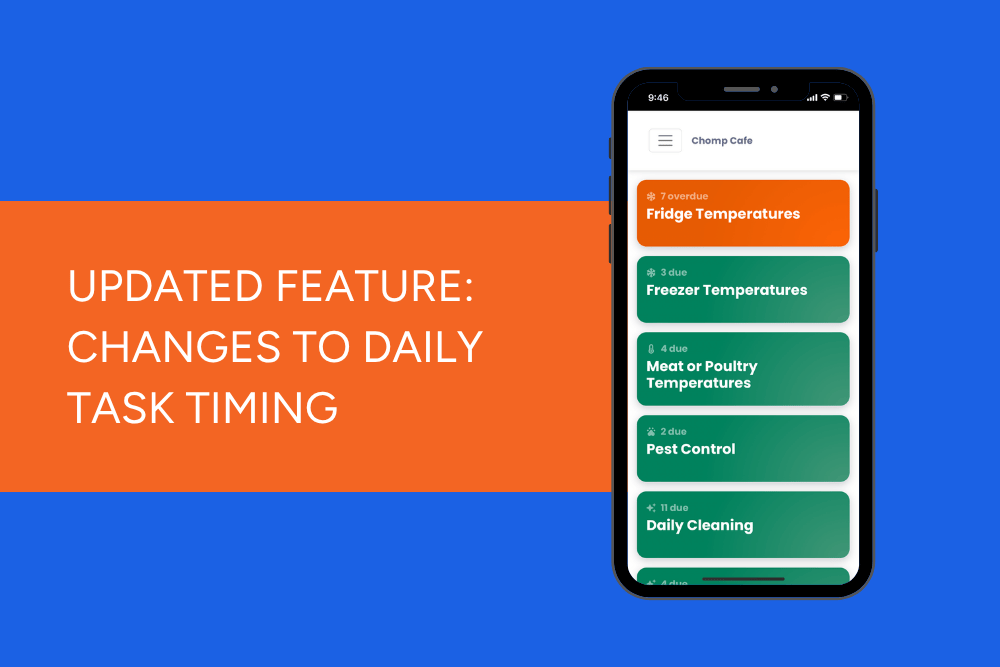
We've made some updates to how long daily tasks remain available in the Kitchen App.
Following customer feedback, we've reduced the completion window for a number of daily tasks. This change improves expired task reporting, helps ensure tasks are completed on the correct day, and make it easier for teams to see exactly what needs to be done during each shift.
Why have we made this change?
Previously, many daily tasks remained available for completion for up to 24 hours after they first appeared in the Kitchen App.
While this flexibility has worked well for some teams, we heard from customers that it also created confusion when tasks carry over into the next day. This made it harder to identify:
- Which tasks are due today
- Which tasks have genuinely been missed
- Whether records were completed on the correct day
By shortening the completion window, expired task reporting will be more accurate and teams will have a clearer view of their daily food safety responsibilities.
What's changed?
Daily tasks now remain available for 12 hours instead of 24 hours.
We've also adjusted when evening tasks appear so that Morning, Afternoon, and Evening tasks each operate within a consistent 12-hour window.
This creates clearer separation between shifts and helps prevent tasks from carrying over unnecessarily.
Which tasks are affected?
This update applies to the following task templates:
- Fridges
- Freezers
- Sushi Fridges
- Ambient Fridges
- Medication Fridges
- Cold-Held Food
- Daily Cleaning (Morning, Afternoon and Evening)
- Daily Pest Control
- Daily Maintenance
- Opening Lists
- Closing Lists
- Open & Close List Items
- Preparation Lists
- Dishwasher Temperature Checks
- Salumi Curing Temperatures
New task availability times
| Task Period | Previous Availability | New Availability | Overdue (Previously) | Overdue (New) |
|---|---|---|---|---|
| Morning | 05:00 – 05:00 following day (24 hours) | 05:00 – 17:00 (12 hours) | 12:00 pm | No change (12:00 pm) |
| Afternoon | 12:00 – 12:00 following day (24 hours) | 12:00 – 00:00 (12 hours) | 6:00 pm | 5:00 pm |
| Evening | 18:00 – 18:00 following day (24 hours) | 17:00 – 05:00 following day (12 hours) | 12:00 am | No change (12:00 am) |
What does this mean for your team?
For most teams, very little will change day to day.
Tasks will still appear automatically at the appropriate time, but they'll disappear sooner if not completed.
We recommend reminding staff to:
- Complete food safety tasks during the shift they belong to
- Avoid leaving tasks until later in the day
- Check the Kitchen App regularly throughout the day
- Keep an eye on overdue tasks before they expire
What we recommend you do next
To help your team adjust to the new task completion windows, we recommend reviewing the timings of your daily tasks in ChompHQ.
Go to Task Manager and check that your tasks are scheduled at the most appropriate time for your venue's operations. For example, you may want to review when opening, cleaning, or closing tasks become available to ensure they align with your team's workflow.
If your operating hours or routines have changed over time, this is also a good opportunity to review your task schedule and make any adjustments needed to keep your food safety records accurate and up to date.
If you need help updating your task timings, our Customer Success team is happy to help.
Explore more tutorials
- Tutorial - Chomp App (21)
- Tutorials: Management Dashboard (19)
- Chomp App (13)
- Chef v4 (5)
- Cooling Foods (3)
- Log In (3)
- food audit (3)
- proving method (3)
- Android (2)
- Apple (2)
- Food Safety App (2)
- QR Code (2)
- Updates (2)
- Audit Report (1)
- Brand Reputation (1)
- Food Safety Management (1)
- Influencer (1)
- Meat or Poultry (1)
- Product Update (1)
- Referral (1)
- Thermometers (1)
- received goods (1)
- suppliers (1)