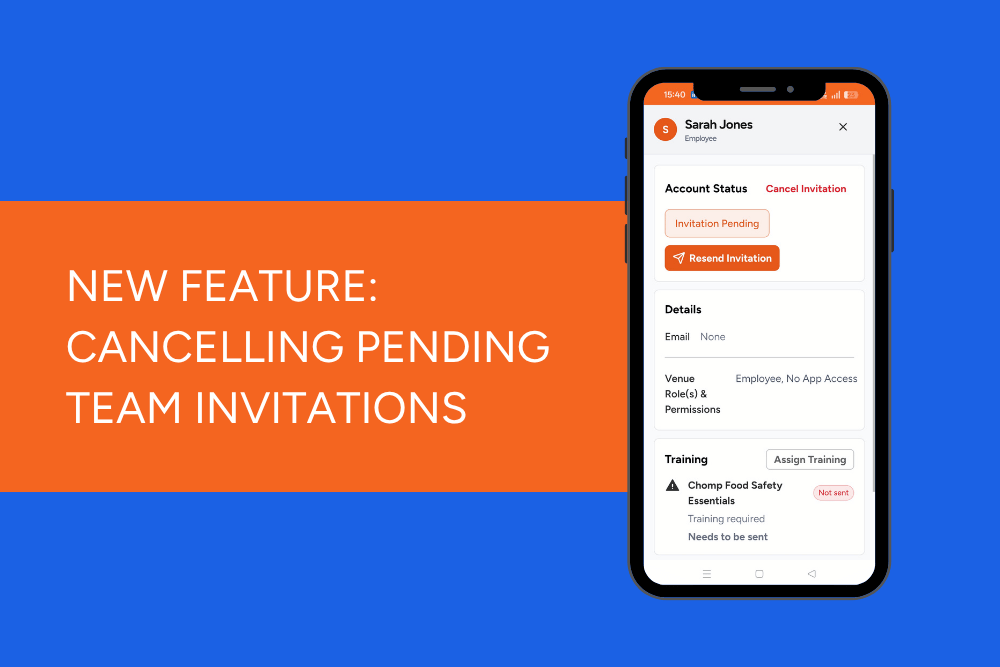
In the Account Status section at the top of their profile, select Cancel Invitation.
That's it! The pending invitation will be cancelled.
What if they've already accepted?
You can only cancel an invitation before the recipient has accepted it and created their profile.
Once they've completed their registration, they're an active team member, so you'll need to remove their access by archiving them instead.
One less thing to worry about
Whether you've entered the wrong email address, invited someone by mistake or had a last-minute change to your roster, you can now tidy up pending invitations yourself.